
"We need an AR app" is usually the wrong starting point
Almost every AR project kickoff starts with the same assumption: this needs to be an app. Sometimes that's right. Often it isn't, and the install requirement is exactly what kills the experience before anyone sees it.
The real question isn't "app or no app" — it's how someone actually encounters the experience, and whether asking them to install something first survives contact with that moment.
The install-friction math nobody runs
If someone discovers your AR experience from an ad, a QR code on packaging, a trade-show banner, or a social post, the honest funnel looks like this: see it, want to try it, hit an app-store download screen, and — for the overwhelming majority of people — abandon right there. Discovery-driven AR that requires an install loses most of its audience before the actual experience ever loads.
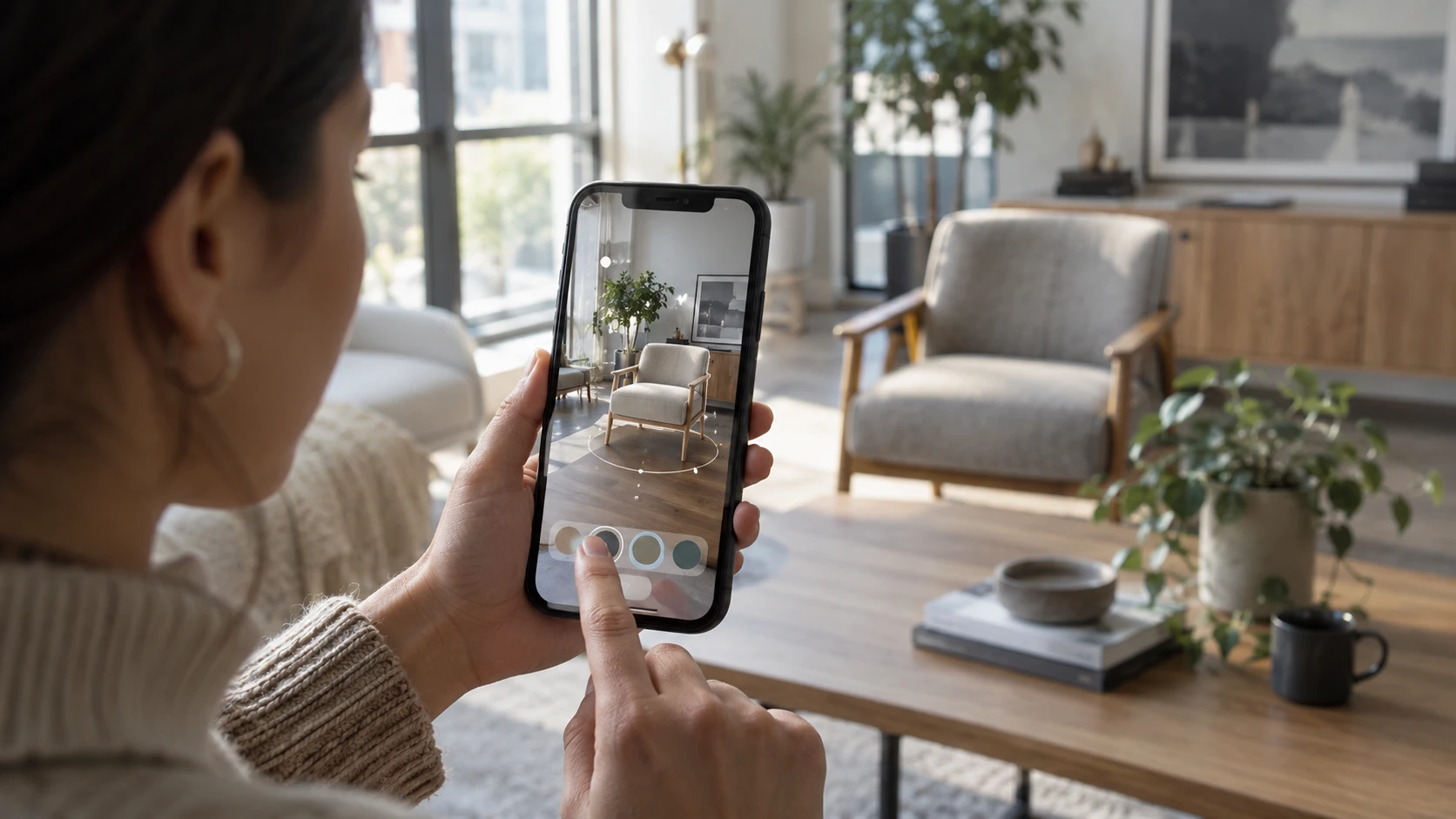
WebXR and tools like 8th Wall solve exactly this: AR straight from a browser, launched from a link or QR code, no install, running in seconds. For a product try-on campaign, a trade-show demo, or anything where the whole point is "try this right now, from wherever you are," removing the install step isn't a nice-to-have — it's the difference between people trying it and people scrolling past.
Where native AR actually wins
Native AR, built with ARKit and ARCore inside a full app, earns its complexity in different situations:
Your users already have the app open regularly. A furniture retailer's shopping app, a home-improvement app people return to for every project — AR-powered try-on is a feature layered onto an existing relationship, not something asking for a fresh install just to see one product.
You need tracking that persists across sessions. Room-scale anchors that remember where a virtual object was placed, measurements that need to stay accurate across multiple visits — this needs the deeper OS integration a browser sandbox doesn't give you.
You need hardware-specific capabilities. LiDAR depth sensing on newer iPhones, precise occlusion (virtual objects correctly hiding behind real ones), or hand tracking on Meta Quest are either unavailable or significantly degraded in a browser context. If the experience depends on that fidelity, native is the only real option.
Picking the engine once you know the platform
For mobile games, casual AR, and most cross-platform work, Unity 6 is the default — mature tooling, broad device support, and a large plugin ecosystem for AR SDKs. Unreal Engine 5 earns its place when visual fidelity is the point: high-end 3D showcases, cinematic product visualization, anything where the brand is explicitly the render quality. For install-free browser reach, Three.js and WebXR cover interactive 3D and AR that needs to be one tap away, not one download away.
Apple Vision Pro and Meta Quest sit in their own category: native visionOS/RealityKit apps and Quest-native builds for genuinely immersive, room-scale experiences that a phone screen or browser tab can't replicate — training simulations, spatial design review, anything where the point is being inside the experience rather than viewing it through a rectangle.
A simple test before committing
Ask one question: will this be encountered once, by someone making a fast decision, from an ad or a link — or is it a recurring feature for people who already have your app open? Once-and-fast → WebXR, no install, remove every point of friction between seeing it and trying it. Recurring and app-native → build it into the native experience your users already trust.
Getting this backwards is the most common expensive mistake in AR projects: building a full native app for a one-time marketing campaign that needed zero friction, or building a browser demo for a feature that needed to persist and integrate with an app people already use daily.
What it costs
A casual mobile game or a branded AR experience — WebXR or native — typically starts around $15,000. Multiplayer 3D titles and full VR builds, with the added engineering for netcode, physics, and headset-specific optimization, start from $50,000+.
Bottom line
Don't default to "build an app." Default to asking how someone actually arrives at the experience, and let that answer decide the platform. Our games, AR & VR team scopes the engine and delivery method — WebXR, native mobile, or a Vision Pro/Quest build — around how your specific audience will actually encounter it, not around which platform sounds more impressive in a pitch deck.
2026 update: what "browser AR" means on each platform
Two things have changed enough since this guide was first written to be worth spelling out.
8th Wall's hosted platform is gone. The 8th Wall site states that its hosted platform was retired on February 28, 2026, and paid subscriptions ended on that date. Parts of it remain available (some components are MIT-licensed, and projects exported before the cutoff can be self-hosted), but if a proposal or older brief assumes 8th Wall as a hosted service, treat that as outdated and plan for a self-hosted or alternative stack.
"WebXR" is not one thing across devices. MDN still labels the WebXR Device API as experimental, available only over HTTPS, and not Baseline because it does not work in some of the most widely used browsers. On Android, Google's ARCore documentation says WebXR AR runs only on ARCore-supported devices with Google Play Services for AR installed. On iPhone and iPad, the dependable no-install path is Apple's AR Quick Look: Safari can open USDZ models and place them in the room, without a separate app.
In practice, a "no-install AR" campaign usually means shipping two assets, not one:
- a glTF/GLB model for Android and WebXR-capable browsers,
- a USDZ version of the same model for iOS Quick Look,
- and a plain 3D or image fallback for anything else.
This changes the scoping conversation. A simple "view this product in your room" experience fits this pattern well. Custom interactions, game logic or multi-step flows run into the gaps between platforms faster, and that is often the point where a native app, or a narrower target audience, becomes the more honest choice. Test on the actual phones your audience uses before committing to a launch date.