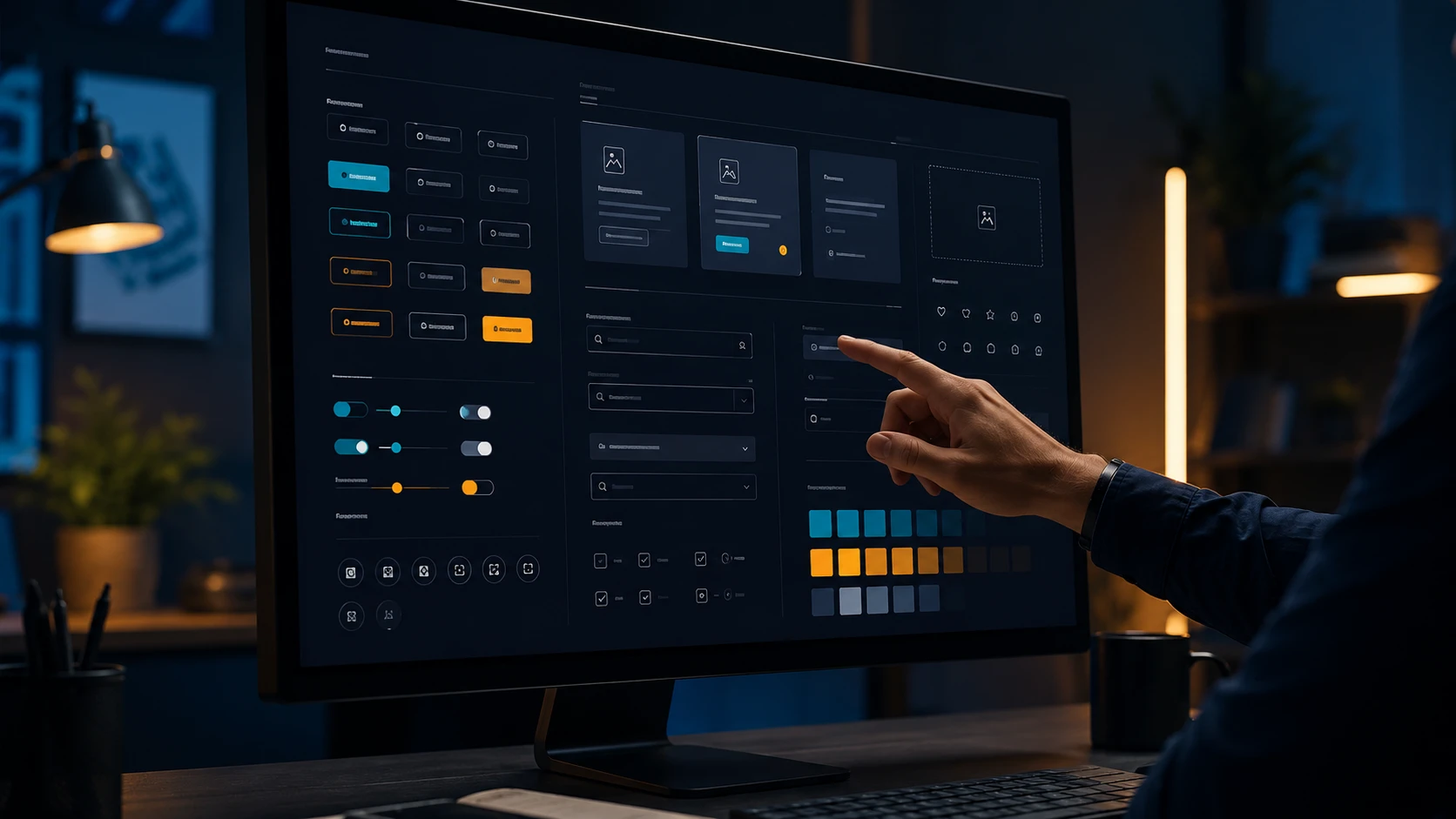

Design systems, without the marketing
The term "design system" has been worn out by two years of LinkedIn posts. So let's reset the definition.
A design system is the executable, versioned, single source of truth for how your product looks and behaves. "Executable" because designers work from the same components engineers ship. "Versioned" because the system evolves over time and old versions need to keep working. "Single source of truth" because if there's still ambiguity, the system isn't doing its job.
A Figma file with some buttons in it is not a design system. A Storybook with 40 components and no design tokens is not a design system. The system is the bridge between them.
What changes when you have one
Three things, measurably:
Speed of new feature work. On projects where we introduce a real design system mid-engagement, feature delivery accelerates 30–50% within two sprints. Designers stop reinventing form patterns. Engineers stop reimplementing buttons. PRs shrink.
Consistency across surfaces. Multi-product companies are the obvious case, but even single-product teams benefit. The marketing site, the app, the admin dashboard, the email templates — if they share tokens, they look like they came from the same company. Without shared tokens, they always drift.
Onboarding cost. A new designer or engineer can ship their first PR in their first week instead of their first month. The system answers most "how do we do X" questions before anyone asks.
What goes inside
A working design system has roughly four layers. Skip any of them and the system gets brittle.
1. Tokens. Colors, typography, spacing, radii, shadows, motion durations, easing curves. These are JSON, not images. They feed both Figma (via tools like Tokens Studio) and code (via Style Dictionary or similar). The token layer is the most important and the most often skipped.
2. Primitives. Buttons, inputs, selects, checkboxes, radios, toggles, badges, tooltips, modals. The atomic UI elements that show up on every screen. These should be implemented once, with proper accessibility (focus rings, ARIA, keyboard support), and documented with prop tables.
3. Patterns. Forms, navigation, empty states, loading states, error states, data tables. These are compositions of primitives. They encode opinions: "this is how we handle a multi-step form," not "here's a form library."
4. Guidelines. Voice and tone, accessibility standards, content rules ("we use sentence case in buttons"), animation principles. The non-component parts that keep the work coherent.
A common failure mode: shipping the system, abandoning it
Half the design systems we see in client codebases were built two years ago, used for six months, and then quietly bypassed. Symptoms: a Storybook that no one updates, components in the codebase that shadow design system components, color hex values hardcoded in 30 places.
This usually happens when the system is treated as a one-time deliverable instead of a living product. The fix is structural:
- Assign an owner. Even part-time. Without an owner, no one decides when a new component graduates into the system.
- Make the system easier to use than to bypass. If adding a new component to the system takes longer than copy-pasting one, you've lost.
- Run a quarterly audit. Walk every screen, count drift, fix it. We use a simple metric: "percent of screens using only system components." Anything below 80% is a problem.
Starting small (and not stopping)
You don't need a 200-component library to call it a design system. A working v1 fits in a single Figma library and a single npm package, and contains roughly:
- 8 color tokens
- 4 type scales
- A spacing scale (4 / 8 / 12 / 16 / 24 / 32 / 48)
- 6 components: button, input, select, modal, card, table
- 3 patterns: form layout, page header, empty state
That's a real design system. Ship it on Friday, use it on Monday, grow it over the next year.
When you don't need one
A team of two building a single product for six months will ship faster without the overhead of a formal system. The break-even point is roughly: three or more designers/engineers, multiple surfaces, or a product expected to live more than 18 months. Below that, just write down the conventions and move on.
Above that, the question isn't "should we build a design system?" — it's "how much have we already paid for not having one?" If you want a second opinion on where your team's system stands, our UI/UX design team runs a lightweight audit as a starting point.
Making tokens and accessibility portable
Two details tend to decide whether a design system survives once it leaves the first team that built it: the token format and how accessibility gets baked into the primitives.
Use a standard token format. The W3C Design Tokens Community Group publishes a JSON format for design tokens. A token is an object with a $value, and a $type (such as color or dimension) tells tools how to read it. Tokens can also reference other tokens, so button.background can point at color.brand.primary and not repeat the hex value. The specification is a Community Group report, not a W3C Standard, but adopting its shape early means design tools and build tools can exchange tokens without custom glue code. Build tools such as Style Dictionary read this format and output CSS variables, JavaScript, and iOS or Android resources from a single source.
Encode accessibility in the primitives, once. The W3C's ARIA Authoring Practices Guide documents patterns and working examples for common widgets, including the expected roles and keyboard interaction. Building modals, tabs, menus and comboboxes against those patterns inside the system means product teams inherit correct behaviour rather than reinventing it screen by screen.
Focus styling is a good example of something to standardise as a token. WCAG 2.2 requires a visible focus indicator (2.4.7 Focus Visible). At Level AAA, 2.4.13 Focus Appearance asks for an indicator at least as large as a 2 CSS pixel perimeter with at least 3:1 contrast between focused and unfocused states. Even if you do not target AAA, a single focus-ring token that meets that stricter bar is cheap to define and removes a whole class of audit findings.
A practical check: during your quarterly audit, alongside "percent of screens using only system components", count hardcoded colour values and custom focus styles that bypass the tokens. Both numbers should trend toward zero.